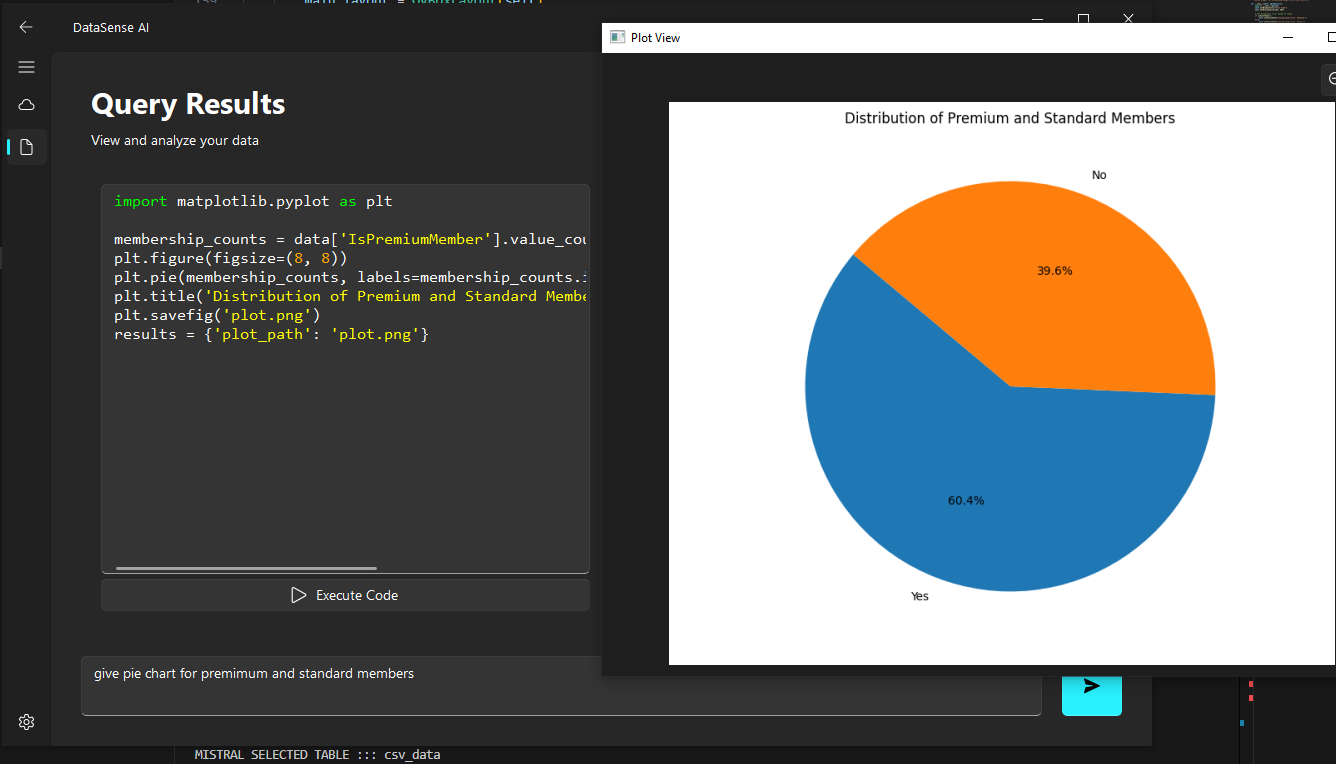
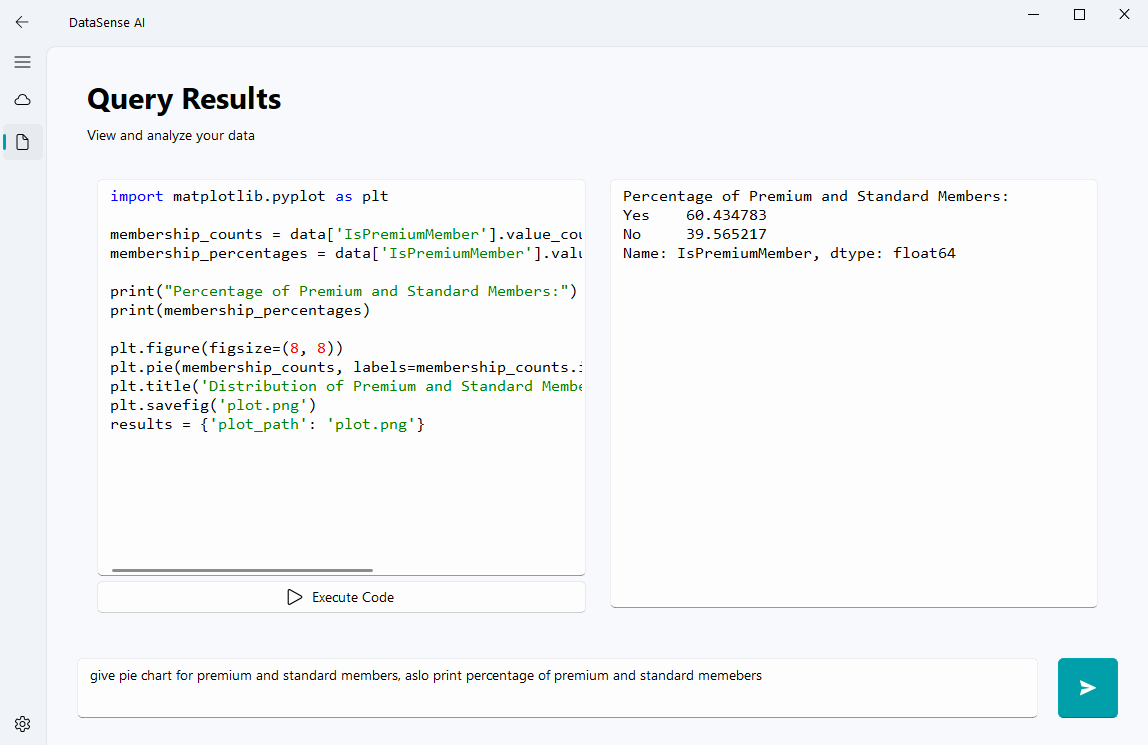
DataSense AI is a desktop application that lets users analyze and interact with their data using plain English. Whether your data lives in a SQL Server database or a CSV file, you can just ask questions in natural language and get instant answers—complete with tables, charts, and even the Python code that was generated to get those results.
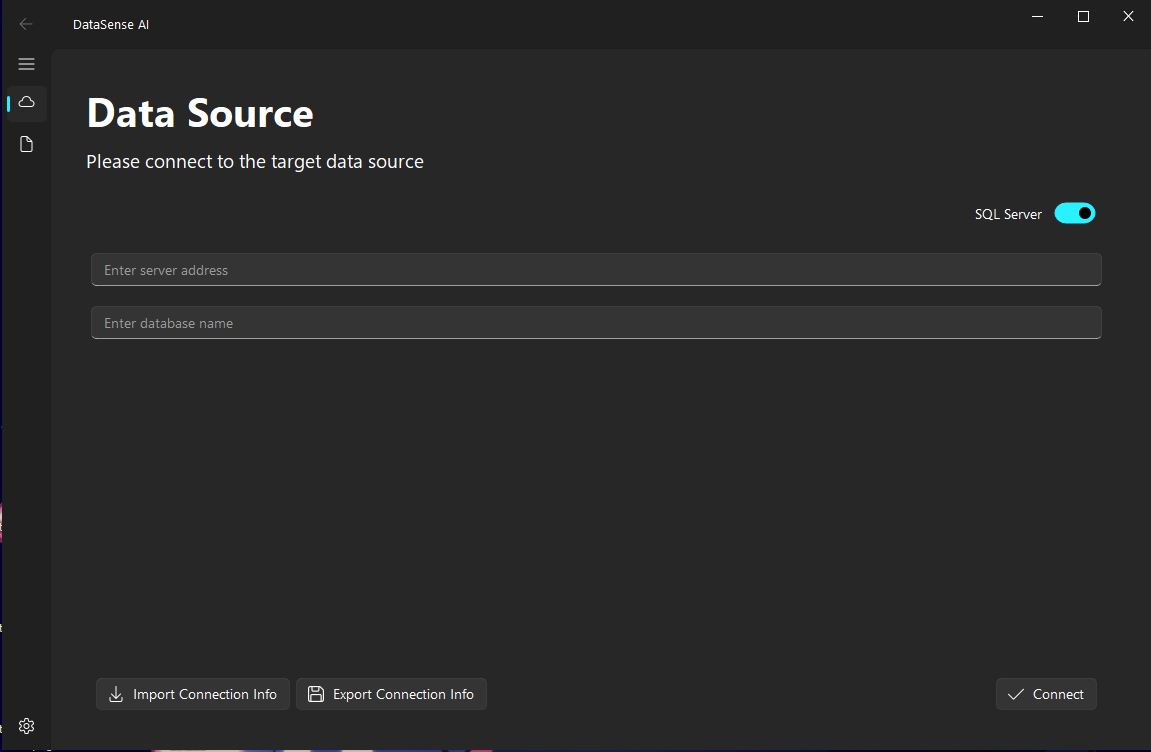
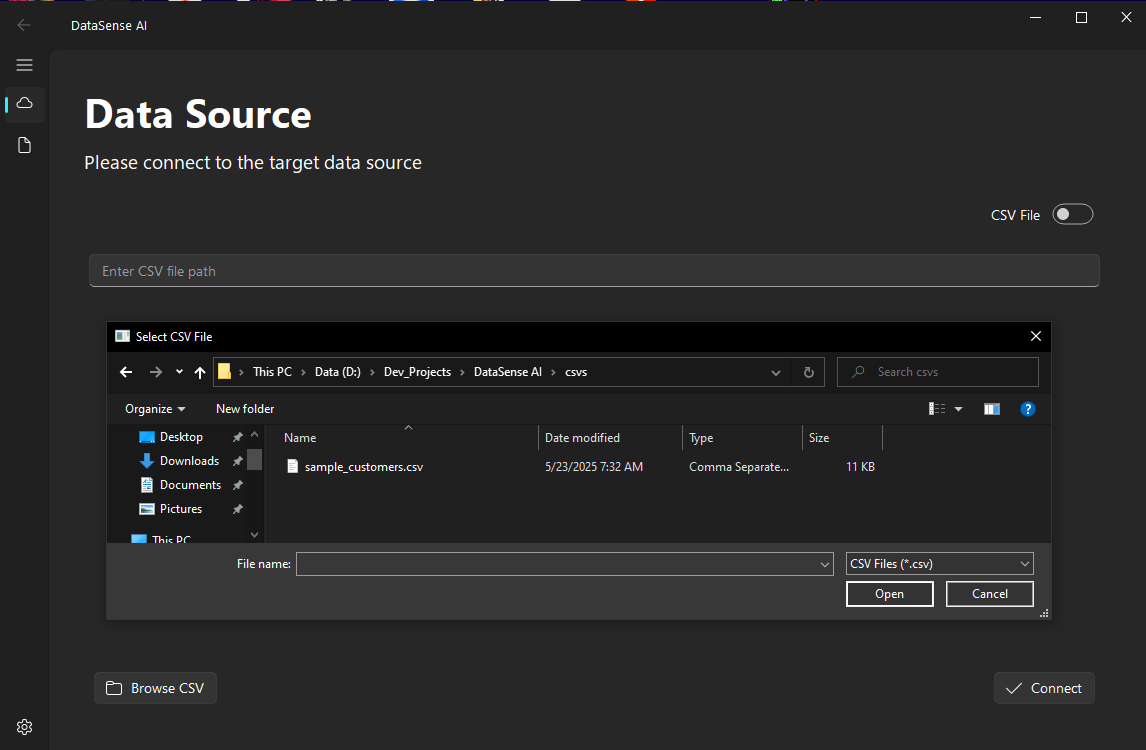
Connect Your Data:
Choose SQL Server or upload a CSV file.
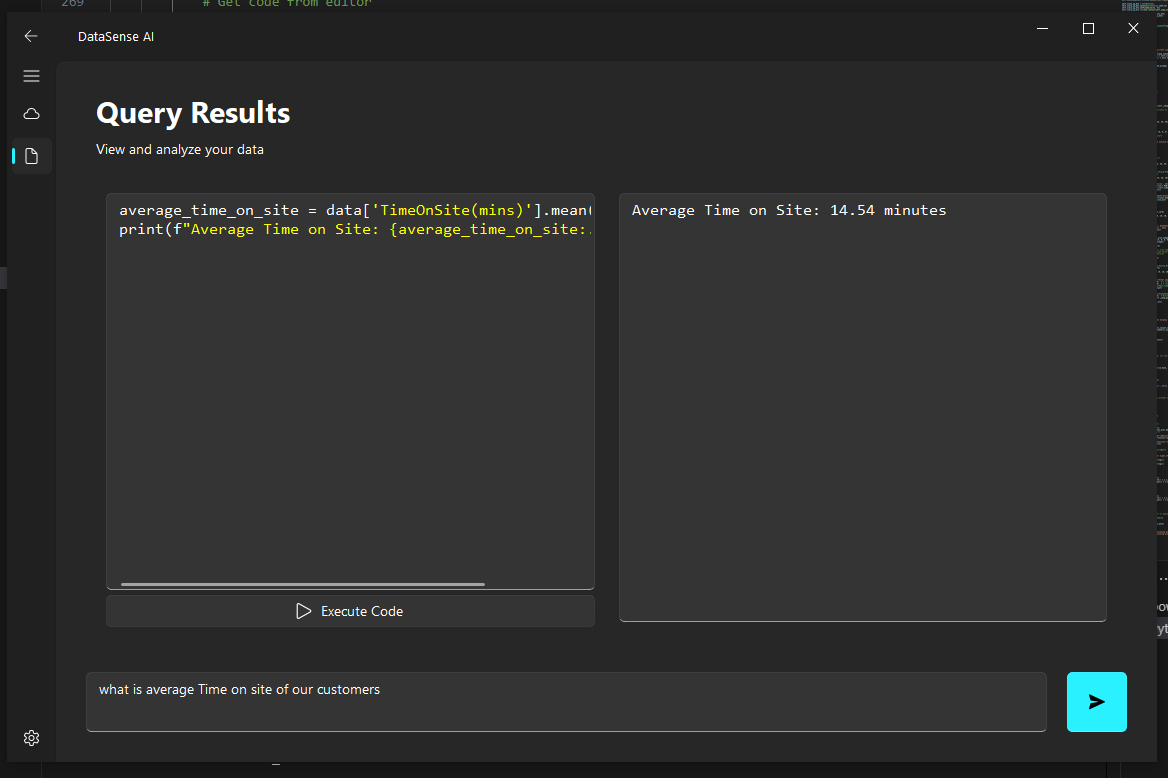
Ask Questions:
Type your data questions in plain English.
See Results:
Instantly view tables and charts generated on the fly.
Tweak Settings:
Adjust appearance and preferences in the settings menu.
api_switch.json)
The api_switch.json file lets you set a custom API key for
MistralAI, which is the only supported backend right now. The app comes
with a default MistralAI API key built in, but if you want to use your own
key (for privacy or higher limits), just put it in this file. The app will
check for your custom key at startup and use it if found.
"mistralKey" (e.g.,
{ "mistralKey": "your-mistral-key-here" })
src/
├── core/
│   ├── data_source.py          # Data source integration (SQL, CSV)
│   ├── ai_agents.py            # AI agents for code generation
│   ├── embedding_generator.py  # Schema and data embeddings
│   ├── query_processor.py      # Query processing and execution
│   ├── response_generator.py   # Formatting and streaming results
│   └── llm_integration.py      # Mistral AI integration
├── gui/
│   ├── main_window.py          # Main application window
│   ├── pages/
│   │   ├── base_page.py        # Shared page logic
│   │   ├── data_source_page.py # Data source setup
│   │   ├── results_page.py     # Results display
│   │   └── settings_page.py    # App settings
├── assets/                     # Images and resources
├── assets.py                   # Compiled assets
├── assets.qrc                  # Resource file
└── main.py # App entry pointcore/data_source.py
core/llm_integration.py
gui/ folder
DataSense AI brings the power of natural language and AI to data analysis, making it accessible for everyone—no coding required. Its modular design and robust error handling ensure it’s ready for both end-users and future development.
Prepared for project showcase